
CalGather
Your calendar and tasks, together.
A calendar and task planner for iPhone and iPad, with a companion for Apple Watch. See your day, week, and month, organize repeating plans, and keep events and tasks in one place.
In development · Public download not yet available
- iOS 17 or later
- iPadOS 17 or later
- watchOS 10 or later, paired with iPhone
Screenshots
On iPhone
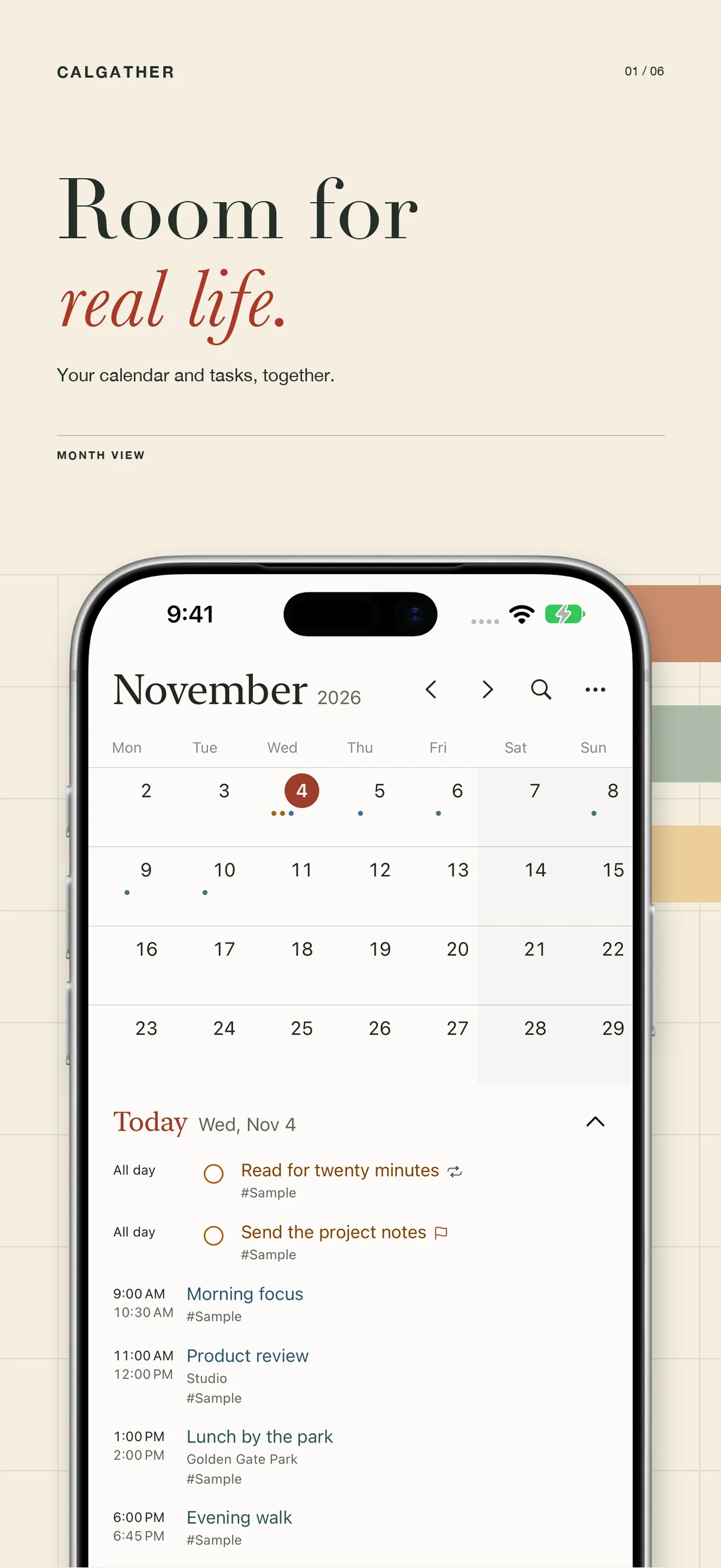
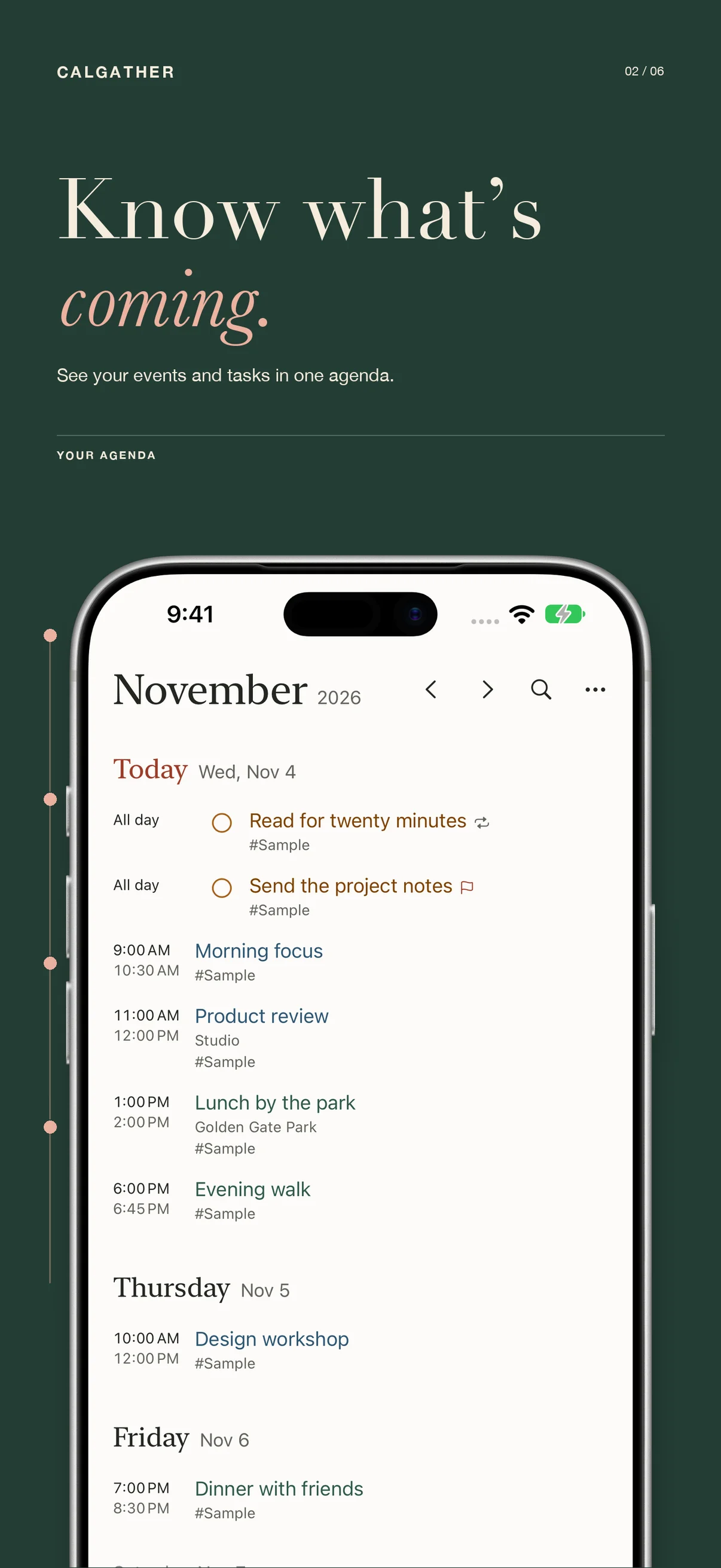
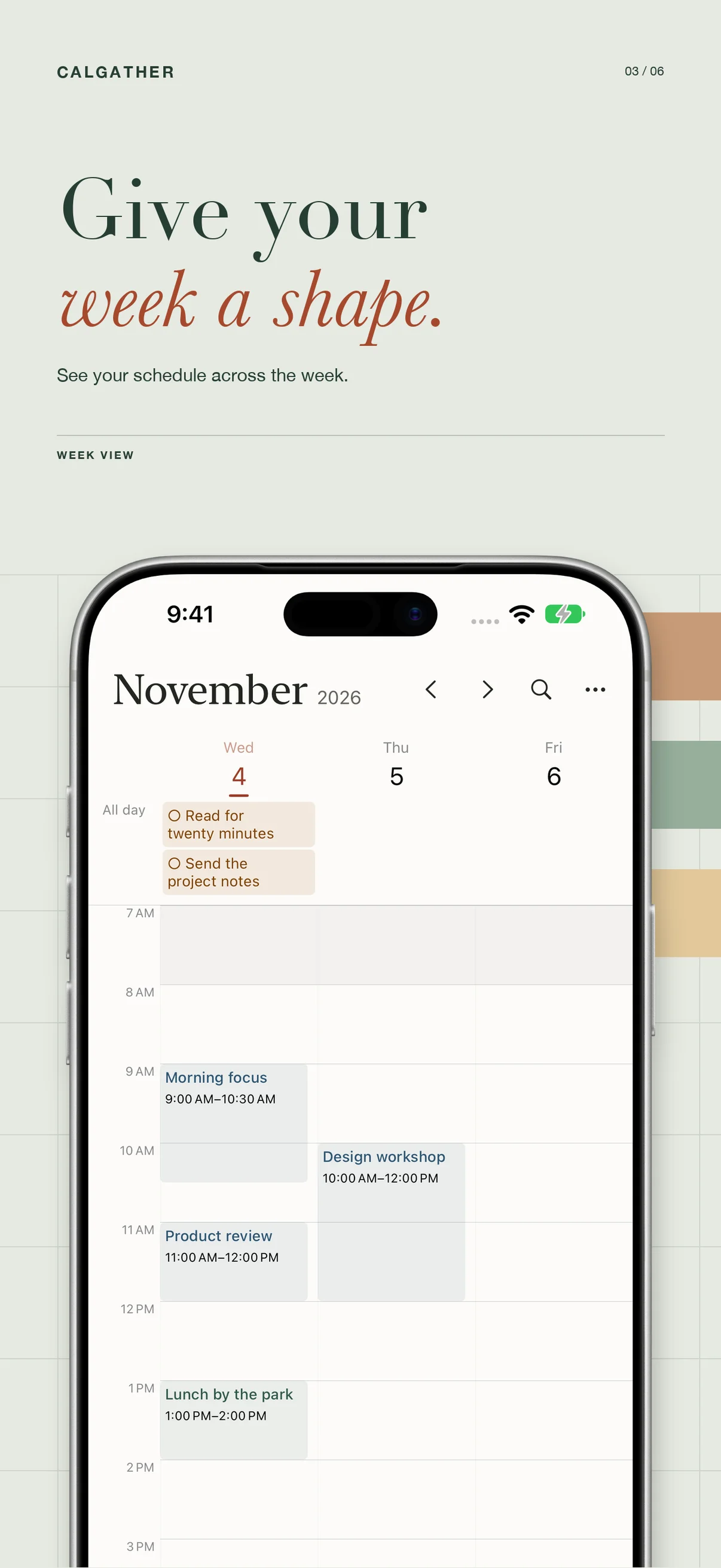
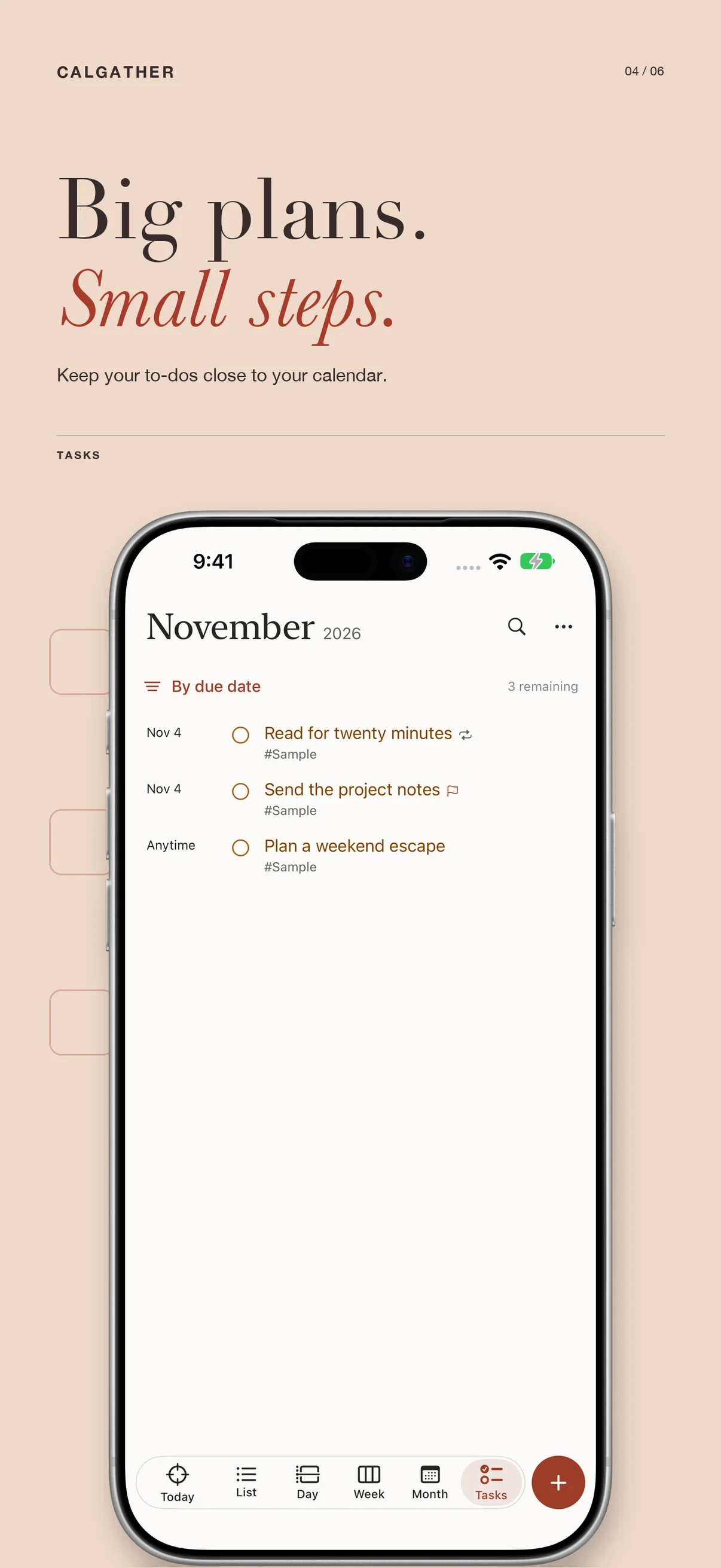
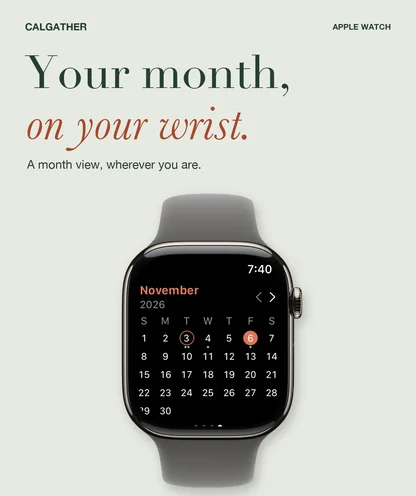
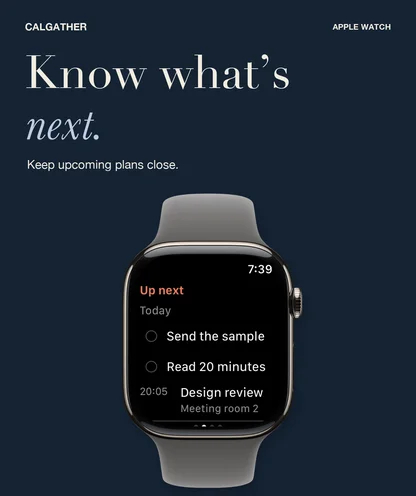
On Apple Watch
See your schedule your way
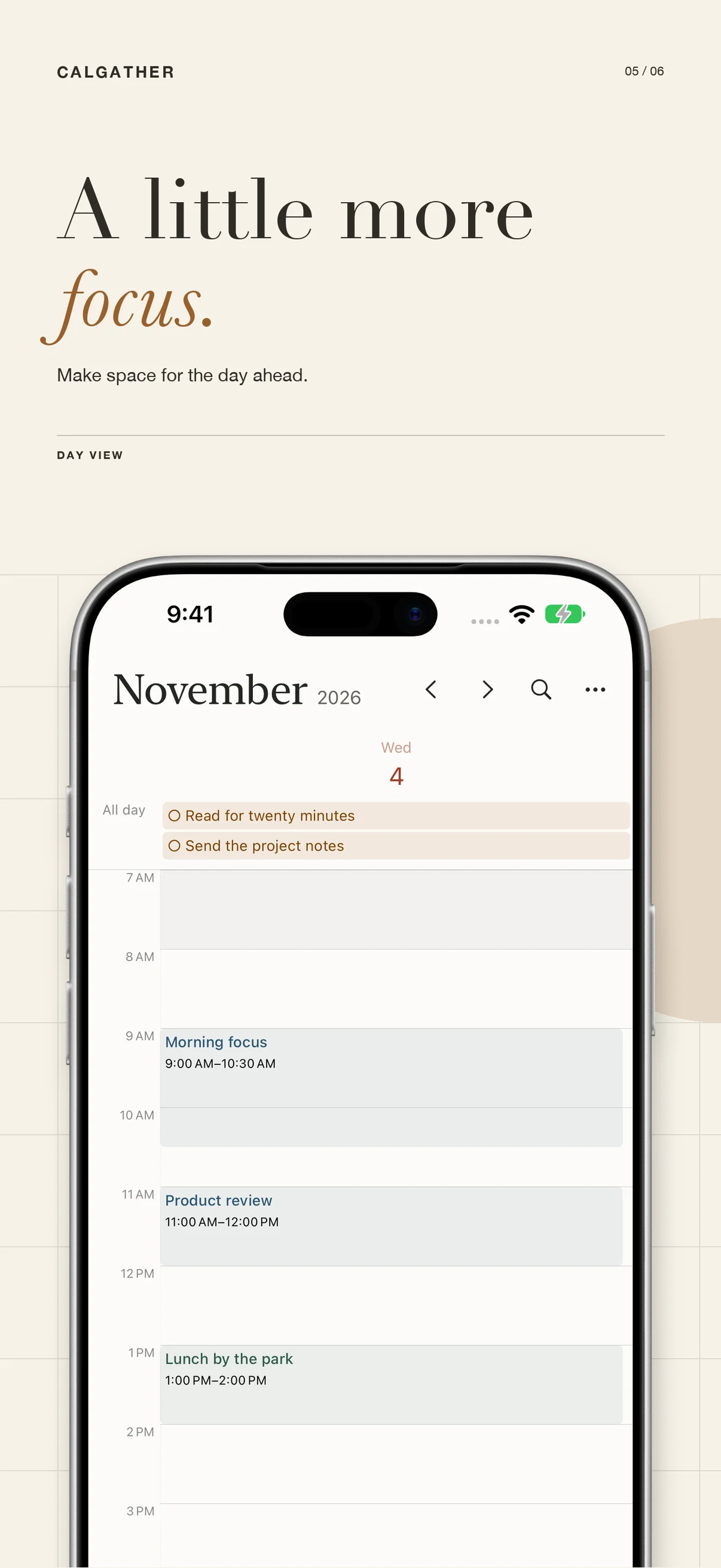
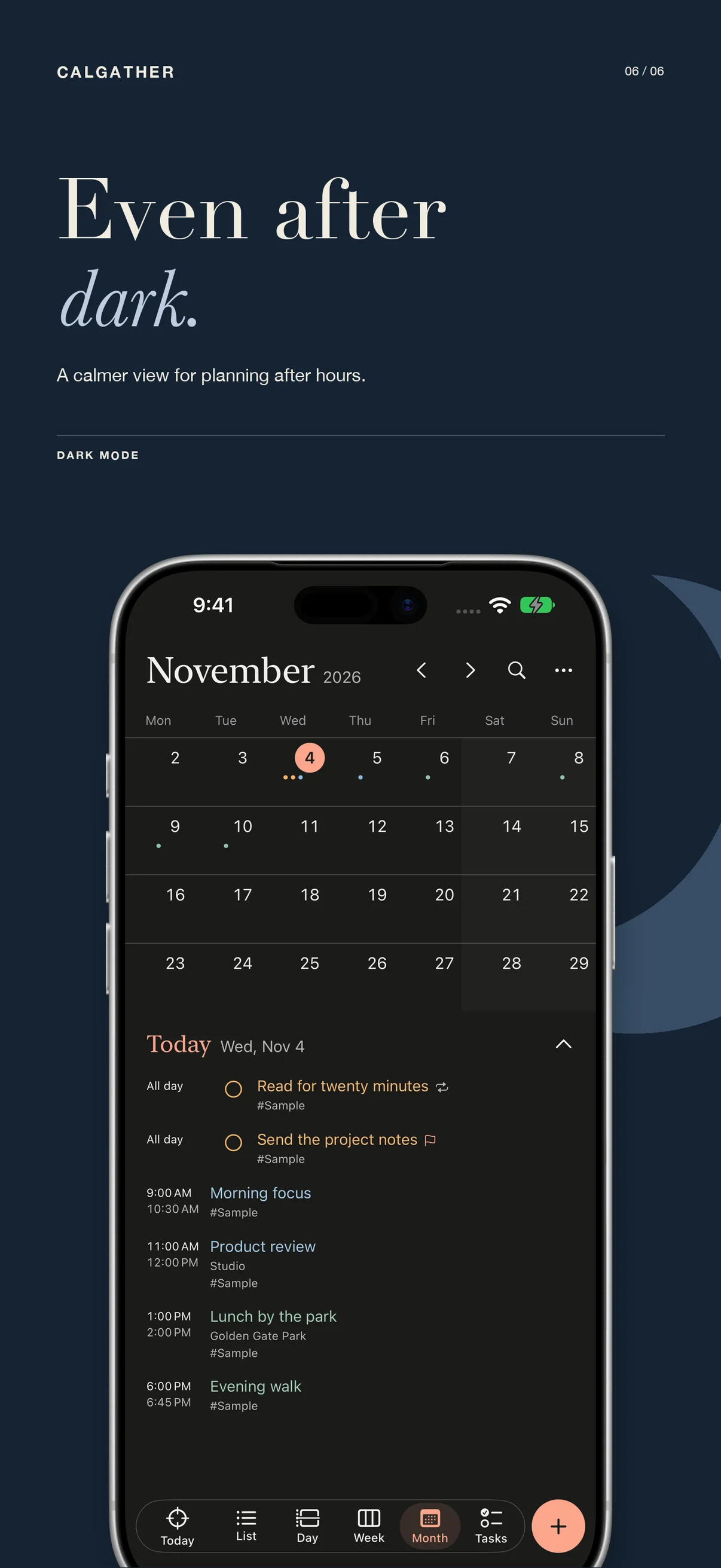
CalGather brings events and tasks into one planner for iPhone and iPad. Switch between agenda, day, week, month, and task views to see what is coming up and make room for the things you need to do. Explore the year on iPad or with your iPhone in landscape.
Use calendar colors, visible-day settings, and calendar sets to choose what appears in your planner. Adjust text sizes and appearance to make the schedule comfortable to read.
Plan events and tasks together
Create one-time or repeating events, all-day plans, and tasks. Add notes, locations, tags, priorities, and reminders. Quick entry accepts English or Chinese; review the interpreted dates and details before saving.
Keep tasks in their own list or view dated tasks alongside calendar events. The day, week, and month views offer different ways to understand the same plans.
Choose your connections
Start with local calendars without creating a CalGather account. Local planning works offline. Optional connections let you display device calendars and reminders, connect compatible CalDAV accounts, or subscribe to calendar feeds.
Calendar and reminder access requires your permission. Contacts access can add birthday and anniversary calendars. External account features depend on the connected service and the permissions you grant. Connected services, weather, and travel estimates require an internet connection.
Keep plans close
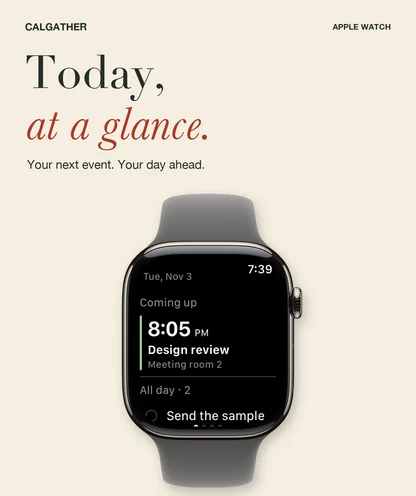
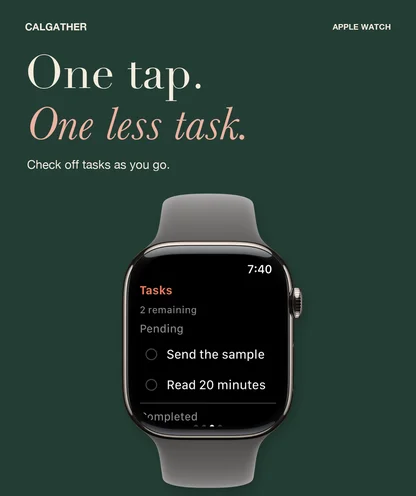
Home Screen widgets provide an overview without opening the planner. Optional agenda sharing brings a limited view of your plans to a paired Apple Watch. The Watch companion includes today, upcoming events, tasks, and a month view.
CalGather also includes Shortcuts actions for finding events and tasks and opening common planning actions. Apple Watch and widget sharing can be enabled in Settings.
Keep a copy of your plans
Import and export calendar files, export CSV, and create local backups. Calendar-file compatibility depends on the fields and recurrence rules in the source. Keep a local backup when you need to preserve CalGather-specific information.
CalGather is currently in development. A public download link and final release details will be added when available.
Frequently asked questions
Do I need a CalGather account?
No CalGather account is required for local planning. Optional calendar-provider connections use the accounts and permissions for those providers.
Can I plan without an internet connection?
Local calendars and tasks can be used offline. Connected services, weather, travel estimates, and account synchronization need a network connection.
Which devices are supported?
The current project targets iPhone and iPad with iOS or iPadOS 17 or later, and a paired Apple Watch with watchOS 10 or later. CalGather is currently in development; final release requirements will be confirmed before launch.
Questions about CalGather?
Find setup information and get in touch on the support page.
← All apps